 listicle
Best All in One Wedding Planning Dashboard: 2026 Guide
Table of Contents
- Quick Comparison: All in One Wedding Planning Dashboard Options
- Vows Afar: The Destination-Ready Wedding Planning Dashboard
- Planning.Wedding: A Simple Dashboard for Guests and Seating
- Plutio and InviteCount: Flexible Options for Planners and Smaller Guest Lists
- How to Build a Wedding Planning Checklist Inside Your Dashboard
- Using a Wedding Budget Tracker Without the Spreadsheet Chaos
- Wedding Guest List and RSVP Tracker: Getting It Right From Day One
- Destination Wedding Planning Tools: What Multi-Day Events Really Need
- Frequently Asked Questions
Last Updated: October 17, 2026
Quick Comparison: All in One Wedding Planning Dashboard Options
An all in one wedding planning dashboard is a single online workspace that holds your checklist, budget, guest list, RSVPs, vendors, and timeline together, so you stop juggling five tabs and three notebooks. At Vows Afar, we built ours for destination celebrations first, then opened it to local weddings too. Below is a comparison of what's available, including where each option genuinely fits.
| Dashboard | Best For | Pricing Model | Guest Hub | Multi-Language |
|---|---|---|---|---|
| Vows Afar | Destination and multi-day weddings, planners | One-time payment, see pricing page | Yes, no app download | Ten languages |
| Planning.Wedding | Guest, RSVP and seating tasks | Not specified in listings | Not verified | Not verified |
| Plutio | Planners wanting a business platform | Monthly subscription | Not verified | Not verified |
| InviteCount | Smaller guest lists | Free tier plus one-time paid plans | Guest-list based | Not verified |
| The Private Wedding App | Couples wanting app access | Monthly or lifetime | Not verified | Not verified |
Vows Afar: The Destination-Ready Wedding Planning Dashboard
Vows Afar is a comprehensive destination wedding planning platform designed to bring calm and clarity to the entire wedding chapter. It is built around a multi-day event rather than a single Saturday.

Where Vows Afar Stands Out
The guest hub supports ten languages with automatic translation for welcomes, schedules, and FAQs. For a wedding with guests flying in from several countries, that removes the awkward "can you forward this to your parents" email chain. Guests open a link, no app download, no password fumbling at the airport.
The structured process runs across ten phases and roughly 280 tasks, which sounds heavy until you realise it means nothing gets forgotten. Planners get a multi-wedding hub with white-label options, so one dashboard covers every client.
Where It May Not Suit Every Couple
If you are planning a small local wedding with forty guests and no travel logistics, the destination scaffolding is more structure than you need. Couples who have already half-built a guest list elsewhere will also face a migration step, though importing a spreadsheet is straightforward.
Planning.Wedding: A Simple Dashboard for Guests and Seating
Planning.Wedding is a straightforward online dashboard that brings guest lists, RSVPs, and seating charts into one workspace. It suits couples who mainly want those three jobs handled and don't need vendor finance tracking.
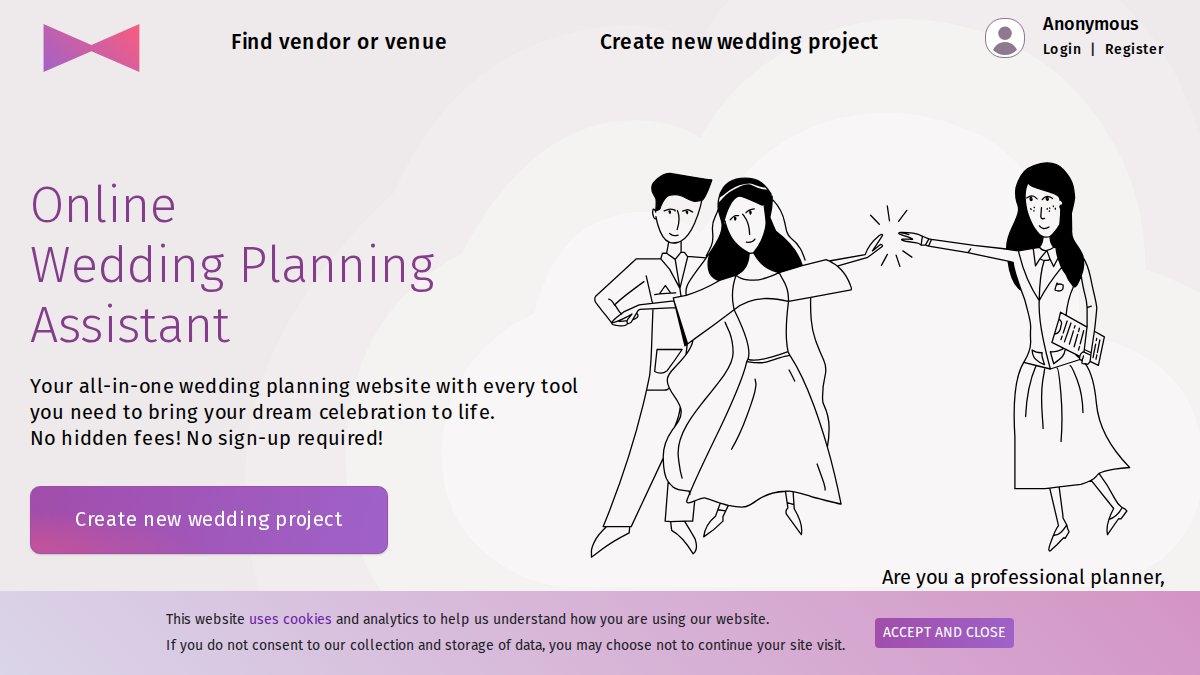
The appeal is simplicity. There is less to learn, and the seating chart sits beside the guest list where it belongs. What we can't confirm from public listings is pricing detail or mobile app availability, so ask before you commit. For a local wedding where seating is the hard part, that focus is genuinely useful.
Plutio and InviteCount: Flexible Options for Planners and Smaller Guest Lists
Plutio is positioned as an all-in-one platform for wedding planners. It reads more like a business operations tool than a couple-facing dashboard, which suits planners running multiple clients but may feel heavy for a couple planning one wedding.
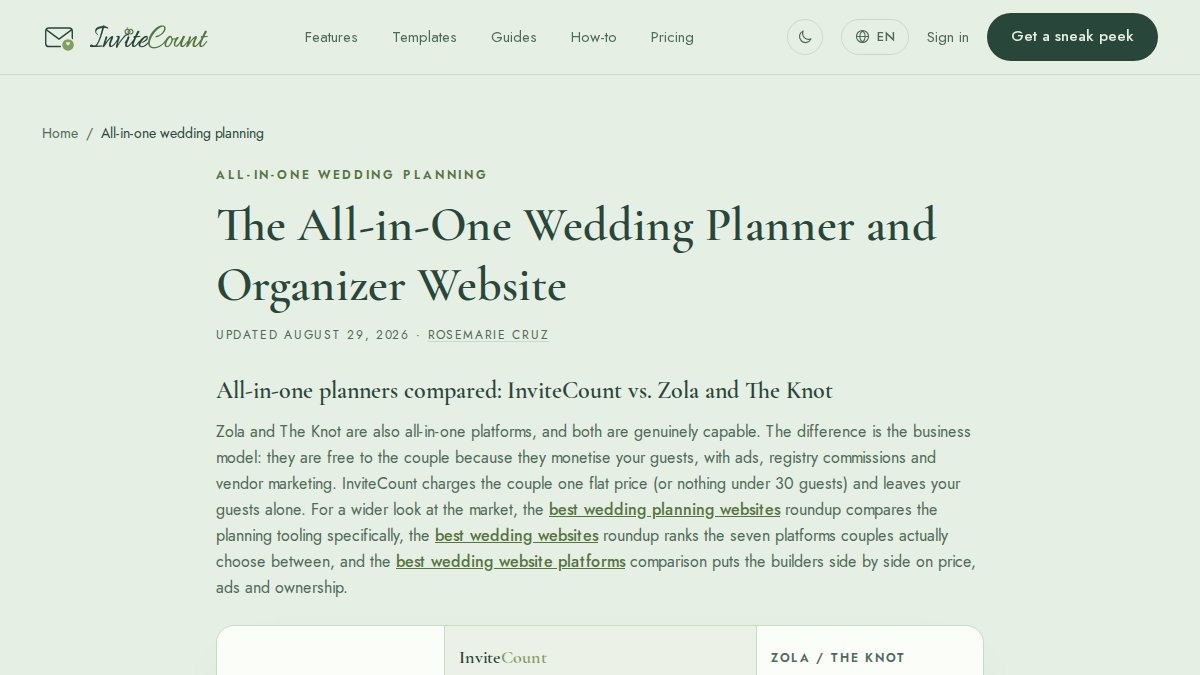
InviteCount takes the opposite approach, tying plans to guest-list size. There is a free option for up to 30 guests, then one-time paid plans for larger lists.
The Private Wedding App offers monthly or lifetime payment and a free demo according to its listing. Couples who want a phone-first experience should look at it.
How to Build a Wedding Planning Checklist Inside Your Dashboard
Most checklist advice stops at 'make phases, add tasks.' The real work is making the dashboard do the remembering so you and your partner aren't the only things holding the plan together. Here is the setup that actually survives contact with a wedding.
Start by consolidating what you already have
If you are like most couples, you already have a notes app list, a spreadsheet from a friend, and a few vendor emails scattered across two inboxes. Before you build anything new, export or copy every existing task into one document. Then sort them into phases. This migration step takes an evening and prevents the classic problem of two half-lists that never merge.
A practical sequence:
- Dump everything from notes, spreadsheets, and emails into a single list. Do not organise yet.
- Group into phases that match how weddings actually unfold: foundation (date, budget, guest count), venue and suppliers, guest experience, details and attire, wedding week, and post-wedding admin.
- Add due dates by working backwards from the ceremony date, not forwards from today. A task due 'three months out' is clearer than 'sometime in spring.'
- Assign an owner to every task. Unassigned tasks are the ones that slip. If both partners are owners, neither is.
- Link each task to its record, the vendor, the guest, the budget line, so when you open the task you see the context, not just a title.
Use dependencies and reminders instead of willpower
A dashboard earns its keep when it surfaces the right task at the right time without you checking daily. Set reminders at meaningful intervals, 12 months, 6 months, 3 months, 1 month, 2 weeks, and let the dashboard nudge you. Review the full checklist weekly, not daily. Daily reviews create anxiety; weekly reviews create progress.
Make collaboration visible
If your partner, a family member, or your Wedding Planner needs access, decide who can edit and who can only view. A shared checklist with clear owners cuts the 'I thought you were doing that' conversation before it happens. For planners managing several couples, a multi-wedding view with per-couple permissions keeps client details separate while letting you see every checklist in one place.
A note on task volume
A 280-task checklist sounds heavy until you realise it means nothing gets forgotten. The trick is filtering: view only your assigned tasks, or only the current phase, so the full list stays in the background as a safety net rather than a source of dread.
Using a Wedding Budget Tracker Without the Spreadsheet Chaos
A wedding budget tracker only works if it records what you have actually paid, not what you hoped to spend. Most guides stop at 'set a total and allocate percentages.' The part that actually keeps you solvent is the payment schedule and the reconciliation habit.
Build the budget in three layers
- Total figure and category percentages. Set your ceiling first, then allocate across venue, catering, photography, attire, stationery, and a contingency line. A common pattern is to hold 5-10% of the total as contingency for the things you didn't know you needed.
- Line items with three numbers each: quoted, committed, and paid. The gap between quoted and committed is where budgets quietly break, a quote is not a commitment until you sign or pay a deposit.
- Payment schedule per supplier. For each vendor, record the deposit amount, the deposit due date, the balance due date, and what the deposit covers. This is the single most useful table in your dashboard.
Reconcile weekly, not monthly
Once a week, open the tracker and update the 'paid' column against your bank statements. Reconcile the committed column against signed contracts. If a supplier has changed a date or amount, update it immediately. A budget that is three weeks out of date is a budget you stop trusting.
Handle currency before you commit
If you are coordinating vendors across countries, ask how the tracker handles currency before you rely on it. Record the currency of each quote and the exchange rate you expect, and keep a written note of what each deposit covers in the original currency. A tracker that silently converts at today's rate can hide a 10% swing by the time the balance is due.
Use the contingency line deliberately
Do not treat contingency as spare money. Log every withdrawal from it with a reason, so you can see whether you are dipping into it for genuine surprises or for upgrades you talked yourself into. At the three-month mark, review the contingency balance and decide whether to release it or hold it for wedding-week costs.
Export and back up
Before you rely on any dashboard, check that you can export your budget to a spreadsheet or PDF. Guest contact details, vendor contracts, and payment records are sensitive; a weekly export to a file you control is a simple backup habit that costs nothing.
Wedding Guest List and RSVP Tracker: Getting It Right From Day One
Build the wedding guest list and RSVP tracker before you send a single save the date. Collect names, email addresses, postal addresses, dietary requirements, and travel needs in one form, then let the dashboard handle the rest.
Decide your RSVP deadline early and set it two to three weeks before your final numbers are due to the venue. Chasing late replies is normal; chasing them with no deadline is chaos.
Destination Wedding Planning Tools: What Multi-Day Events Really Need
Destination wedding planning tools have to handle more than a single day.
What actually matters: a shared schedule guests can check without messaging you, vendor contacts across time zones, a clear payment schedule per supplier, and documents stored where both partners and your planner can reach them.
Planning a wedding from another country is where most couples feel the strain first: time zones, languages, and a dozen suppliers who all need something from you this week. Vows Afar was built for exactly that.
Frequently Asked Questions
What should an all in one wedding planning dashboard include?
A useful wedding planning dashboard should cover the tasks you would otherwise split across five apps: a wedding planning checklist, a budget tracker, a guest list with RSVP tracking, vendor and supplier management, a timeline with countdown milestones, and a seating plan. For multi-day or overseas events, look for guest hubs with translation, currency handling for expenses, and shared access so your partner, family and planner can all see the same information without emailing spreadsheets back and forth.
Can a wedding planning dashboard manage guests and RSVPs?
Yes. A dedicated wedding guest list and RSVP tracker lets you categorise guests, send invitations and save-the-date details, collect meal choices and dietary needs, and watch numbers update as replies come in. The advantage over a spreadsheet is that the same guest data feeds your seating plan and your venue headcount, so you are not re-entering names three times. Check that guests can respond without downloading an app, since older relatives often prefer a simple link.
How can couples track a wedding budget in one place?
Start by listing every expense category, then record deposits and payment due dates as you book each supplier. A wedding budget tracker that sits inside your planning dashboard keeps those figures next to your vendor contracts, so you can see what is paid, what is outstanding and what is still unallocated. If you are booking overseas suppliers, check whether the tool lets you note amounts in different currencies and record local taxes separately, rather than converting in your head each time.
Are wedding planning dashboards useful for destination weddings?
They are most useful when the guest list spans several countries. Destination wedding planning tools earn their place by handling the logistics a local wedding does not need: multi-day schedules, welcome dinners, transfer details, accommodation options and guest communication in more than one language. Look for guest hubs that open in a browser without an app download, and a dashboard that lets you share different views with your planner, your family and your guests.
Can Wedding Planners manage multiple weddings from one dashboard?
Some platforms support this directly. Vows Afar offers Wedding Planners a multi-wedding hub with white-label options, so each couple gets a client-facing hub you can brand as your own while you work from a single dashboard. When comparing tools, ask whether client access is included, how permissions are set per wedding, and whether you can export or hand over data at the end of each engagement.